A QR code is only useful if it scans on the first try. Most failures are not caused by the generator but by choices made afterwards: too little contrast, a decorative style the phone cannot read, text that was not encoded as intended, or a code printed too small. This guide shows how to create a QR code with our QR Code Generator, how to format content for WiFi, email and phone codes, and which styles and colours we tested and found reliable, including the ones that failed.
We did not just look at the results. We decoded the generated codes with two independent open-source readers (OpenCV and ZXing) to see which settings really scan. Where a setting is risky we say so plainly.
How to create a QR code, step by step
- Choose the content type (Free Text, URL, YouTube, Email, Phone or WiFi) and type or paste the content into the input box.
- Adjust the look if you want: dot shape, dot colour, background colour (or transparent), an optional centre logo, and a frame.
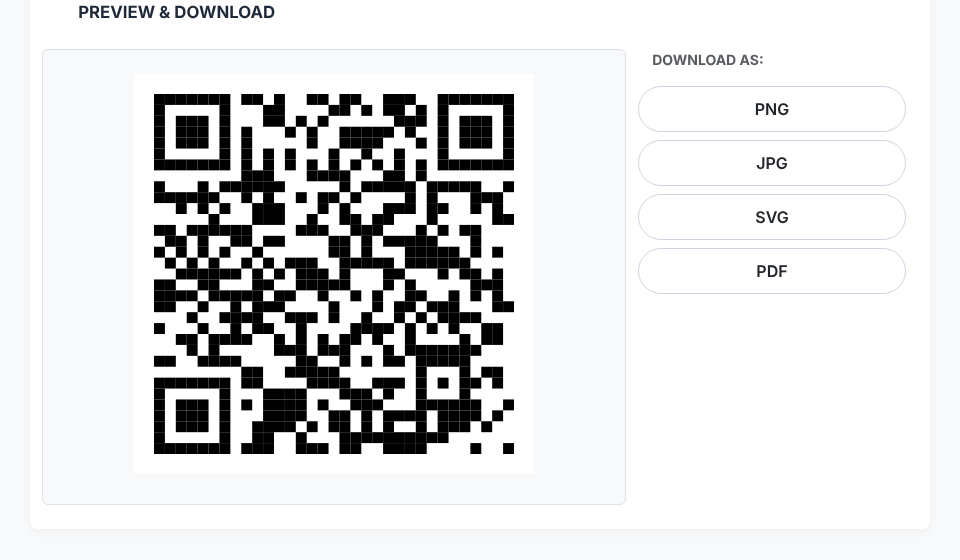
- Check the live preview. It updates as you change settings.
- Download as PNG, JPG, SVG or PDF.
- Test with a real phone before printing or publishing. This one step prevents most problems.

Content formats that phone cameras understand
The generator encodes exactly what you type. It does not add prefixes for you, so for the special types you write the standard format yourself. Phones recognise these patterns and offer the matching action (open a link, join a network, start an email or call).
Website   https://example.com/menu
Email     mailto:hello@example.com
Phone     tel:+15551234567
WiFi WIFI:T:WPA;S:CafeGuest;P:espresso2026;;- Website: include
https://. Without it, some scanners treat the content as plain text instead of a link. - WiFi:
Tis the security type (WPA,WEPornopass),Sthe network name,Pthe password, and the code ends with two semicolons. We scanned the example above and it decoded exactly as written. If the name or password contains;,,,:or\, escape each with a backslash. Using a random password for a guest network? Our Password Generator can make one. - Email and phone:
mailto:andtel:followed by the address or number; for phone numbers include the country code. - Contact card: a short vCard (a 164-character one worked in our test) can be pasted as free text.
If a link contains spaces or special characters, make it URL-safe first with the URL Encoder.
How much a QR code can hold, and why shorter is better
With the generator's medium error correction, the maximum is about 2,331 ASCII characters, but you should stay far below that. More data means a denser grid of smaller squares (called modules), and dense codes are harder to scan at a distance or when printed small. Measured sizes:
Characters   Grid
   19        25 × 25   (a short URL)
   50        33 × 33
  100        41 × 41
  200        57 × 57
  500        85 × 85
 1000       121 × 121
 2000       171 × 171
The practical lesson: encode a short link, not the whole content. A 19-character URL gives a code with big, forgiving modules; a 1,000-character one needs a high-resolution print and a steady camera. Put long content behind a short URL on a page you control.
Ready to make your QR code?
Open the QR Code GeneratorColours and styles: what scans and what does not
This is where we tested hardest, because customisation is the most common cause of unscannable codes. We exported codes at 400 and 800 pixels and tried to decode each with OpenCV and ZXing.
Reliable
- Square dots with no frame and classy-rounded dots with no frame decoded in both readers at both sizes.
- Dark on light colour combinations decoded fine: crimson on a pale background, navy on white, and even grey on white.
Risky, so test before use
- Rounded and extra-rounded dots decoded in one reader but not both. Fine for a quick test, but not something we would print on packaging without scanning it on several phones.
- Dots and classy dot shapes failed in both readers in our tests. Stick with square or classy-rounded.
- Light dots on a dark background (inverted) failed in both readers. Many scanners expect dark modules on a light background.
- Frames. Every frame style we tried failed to decode. The frame reduces the blank margin around the code, and QR codes need a clear border (the "quiet zone", about 4 modules wide). If you want a frame, add it afterwards in a design tool, leaving the margin intact.
- Yellow on white decoded in our test, but low contrast is fragile in poor light. Prefer strong contrast.
Phone cameras are sometimes more forgiving than software readers, and sometimes less. A code that passes on your phone can still fail on an older device, so test on more than one when it matters.
Adding a logo in the centre
The tool can place a logo (upload your own or choose a built-in icon) in the middle of the code. The logo covers part of the data, which QR error correction can recover, but only up to a limit. Keep the logo small, use a simple shape, and always scan the result. The built-in icons are loaded from a CDN, so they need an internet connection.
PNG, JPG, SVG or PDF?
- PNG is the safest choice for screens and for print at a fixed size. Pick the largest output size (800 px) if the code will be printed.
- JPG works, but its compression can blur edges; avoid it when you can.
- SVG from this tool is an image wrapper around a PNG, not true vector art, so it does not scale infinitely sharp. Treat it as a PNG in an SVG container.
- PDF is convenient for sending a print-ready page.
Print size: a rule of thumb is to keep the printed code at least 2 cm (about 0.8 inch) wide for short URLs, and larger for denser codes, or for codes scanned from a distance. A poster scanned from 2 metres needs a much larger code than a business card.
A known limitation: non-English characters
If you encode text with accented letters or non-Latin characters, test carefully. In our tests, plain ASCII text worked, but characters such as ✓, Japanese text and emoji came back corrupted when scanned, and é was stored in an older single-byte encoding that some readers display incorrectly. For URLs, this does not matter as long as the link itself is ASCII. For text with special characters, use a percent-encoded URL, or a link to a page that holds the text.
Staying safe with QR codes
- Do not put secrets in a QR code unless you intend everyone who sees it to read them. A WiFi code reveals the password to anyone who scans it, which is fine for a guest network and not for your main one.
- Prefer links you control. If a QR code points to a third-party shortener, whoever owns that link can change where it goes after you print it.
- Check before you scan. Phones show a link preview; read it before opening, especially for codes on stickers in public places.
Quick answers
Do QR codes expire? The codes this tool creates are static: the data is inside the image, so it does not expire and needs no account. It also cannot be changed later; for a different destination, make a new code.
Why will my QR code not scan? The usual causes are low contrast, a frame or border that is too tight, a dot style that is hard to read, too much data, or printing too small. Try a square style with dark dots on a light background first.
Is it free? Yes, and generation runs in your browser.
Ready to make your QR code?
Open the QR Code Generator